 01 / 07
Besavior.
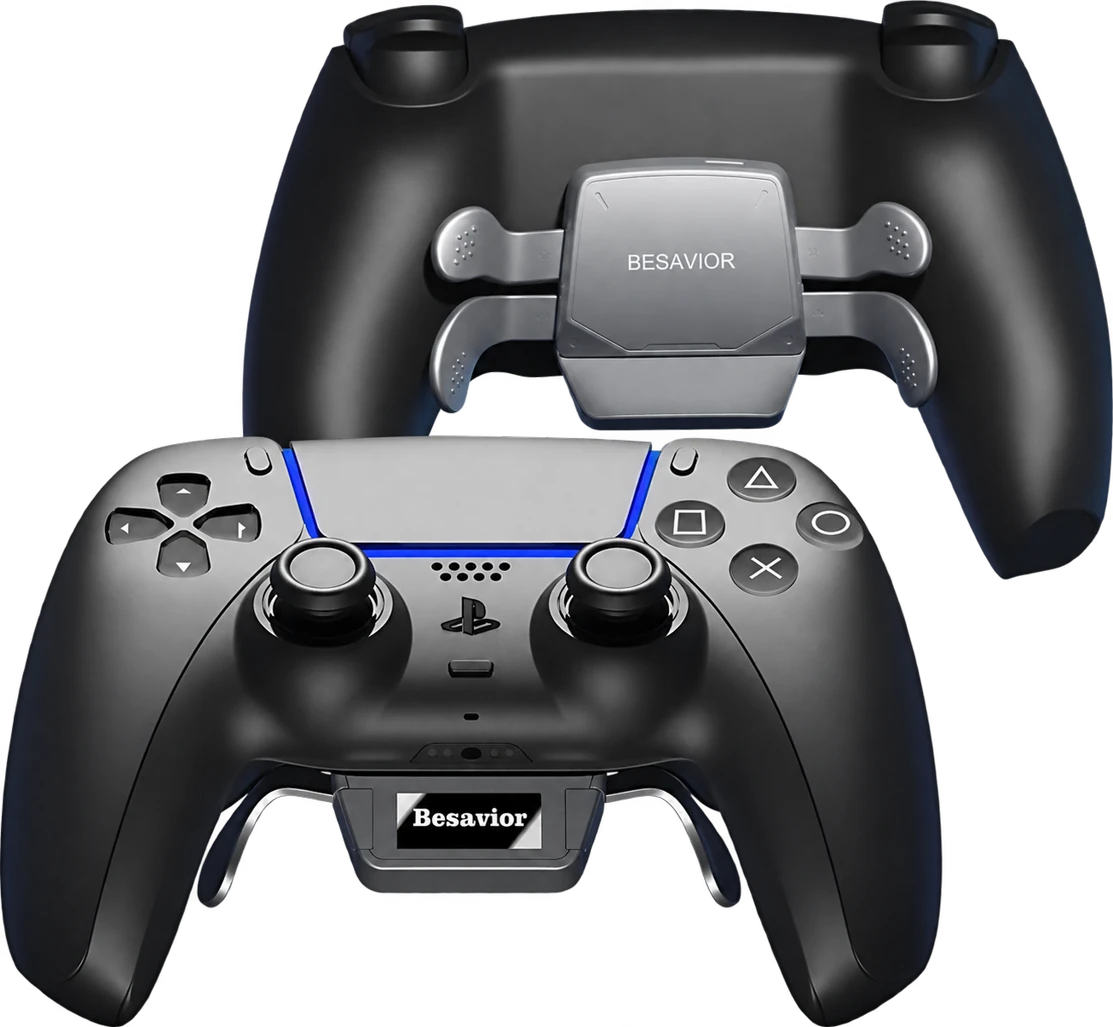
PS5 paddle controller.
COMPLETE CONTROLLER · KIT PRE-INSTALLED
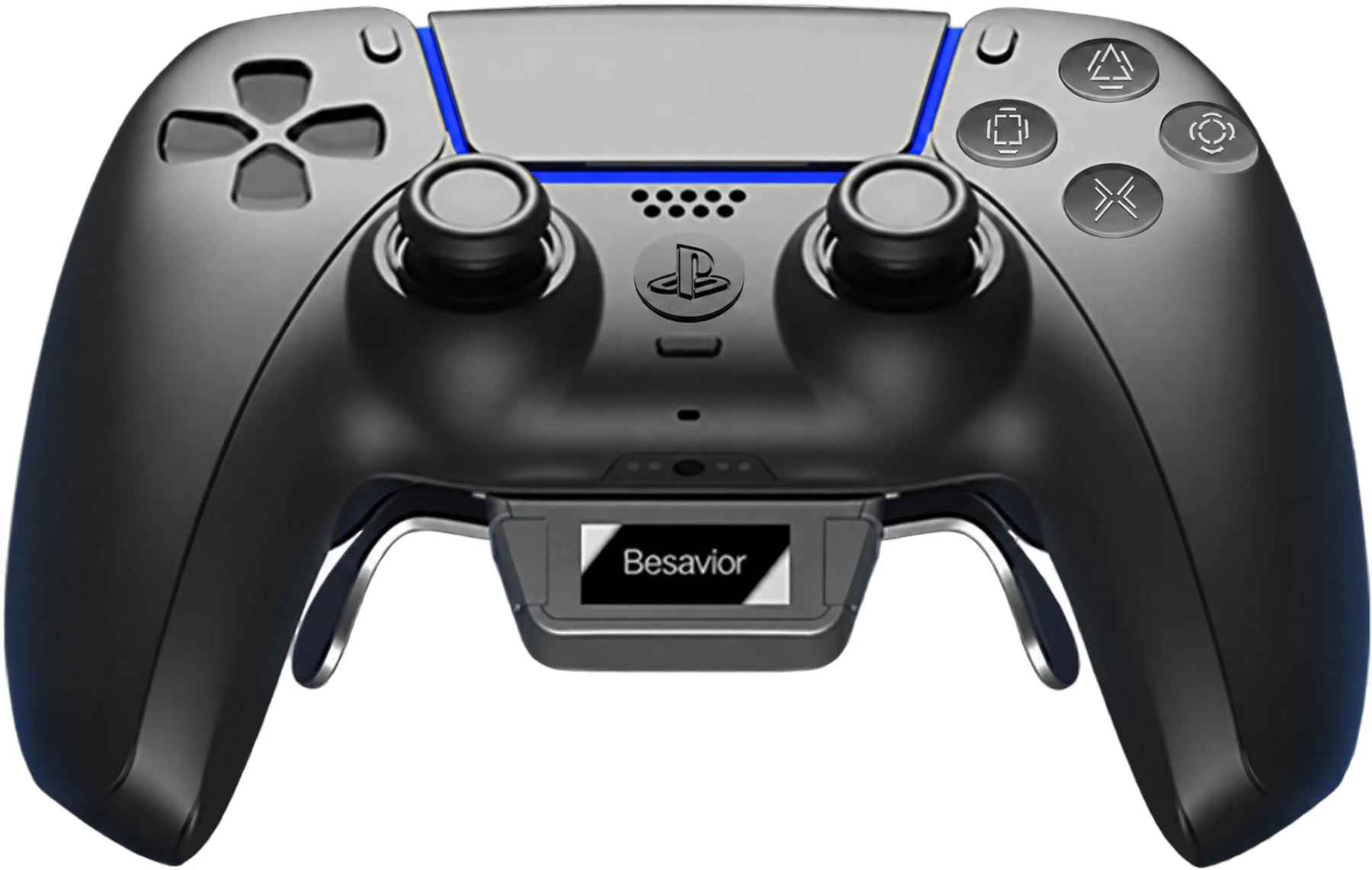
4.67/5 · 9 reviewsA complete PS5 controller, already equipped for your play style. Configure its four paddles, button mapping, Turbo and macros from the OLED display.
- 4 customisable mechanical paddles
- OLED screen: settings on the controller
- Mapping, Turbo, macros & profiles
- Complete controller, ready to pair with your PS5
Delivery options and costs shown before confirmation.
The features.
In action.
See the Besavior's features in action.
One feature.
A new possibility.
Understand what each mode does.
Choose the ones that match your way of playing.
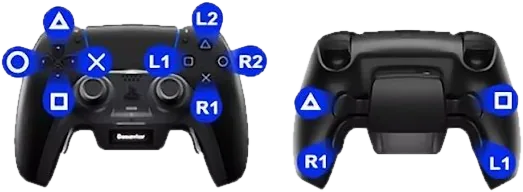
Every action in the right place.
Jump, reload, crouch: assign your actions to the paddles and keep your thumbs on the sticks.
Remapping assigns an input to another button. From the OLED display's Mapping menu, choose the buttons you want at your fingertips and adapt the layout to your habits.
Find these functions on my Besavior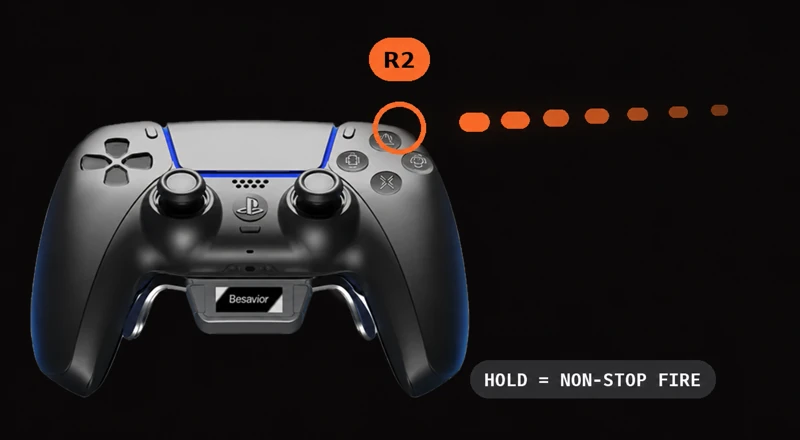
Hold. The action repeats.
Turbo repeats an action while you hold the assigned button.
Choose a button and configure its repetition directly on the controller. It provides an alternative to repeated button presses, with no app needed to access the menu.
Find these functions on my Besavior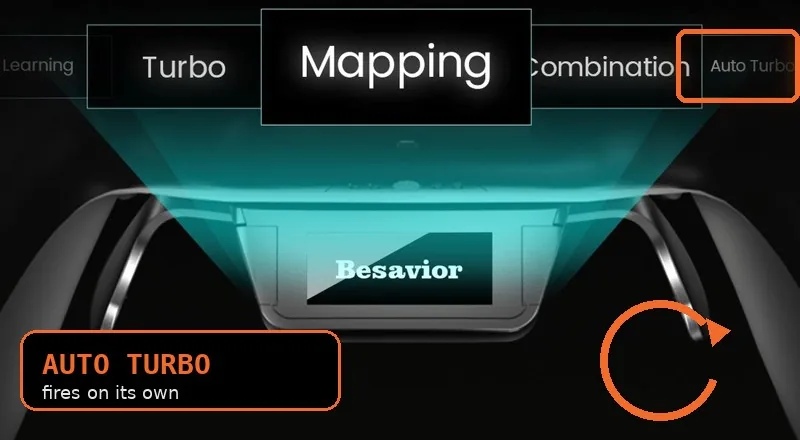
One action, on repeat.
Enable automatic repetition on a button of your choice without holding it down.
Auto Turbo extends the Turbo feature with repetition triggered by the assigned control. Its dedicated menu distinguishes this mode from simply holding a button.
Find these functions on my Besavior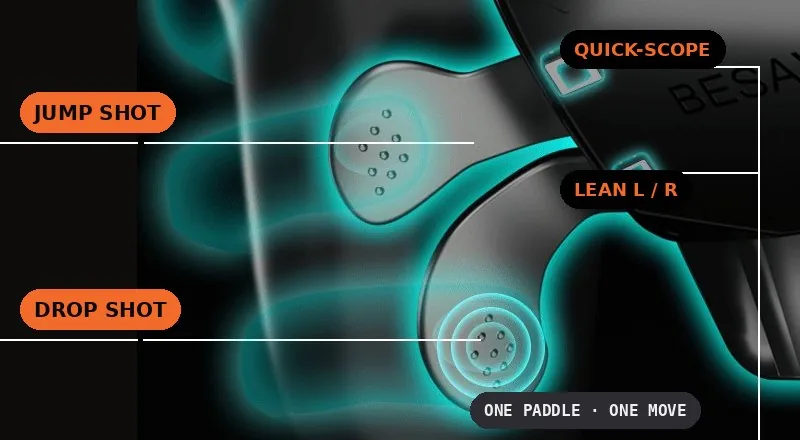
Several buttons. One trigger.
Assign several simultaneous inputs to one button.
The Combination menu groups button presses normally performed together. It differs from Learning, which records a sequence of actions over time.
Find these functions on my Besavior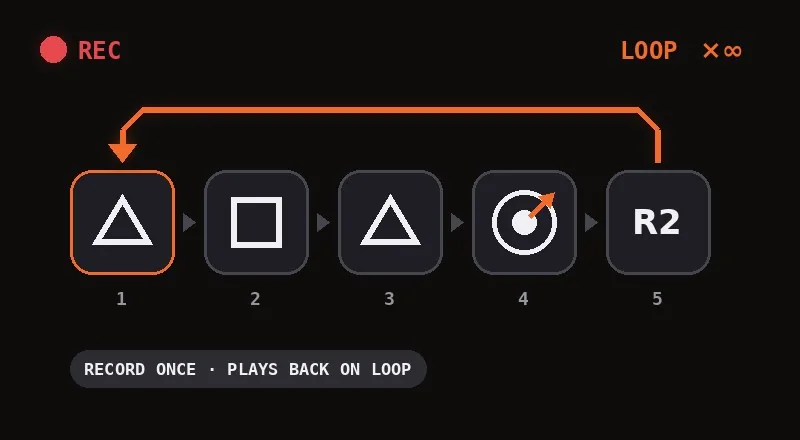
Your sequence, saved.
Record a sequence of inputs, then replay it with one button.
Learning records a sequence of actions. Recall that sequence and use the controller's repetition options according to your configuration.
Find these functions on my Besavior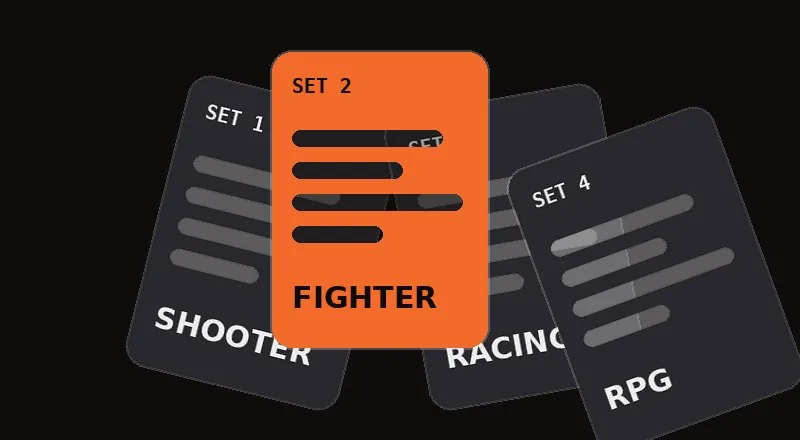
One game. One setup.
Save several sets of settings so you don't have to reconfigure everything for each session.
Multi-sets lets you recall configurations for different games or habits. Switch between control layouts from the Besavior menus.
Find these functions on my BesaviorConfigure advanced functions according to the uses allowed by your game and its rules.
 KIT ALREADY INSTALLED
The assembly is done.
The game is waiting for you.
Your Besavior is a complete PS5 controller with its kit already installed. When it arrives, simply pair it with your console and choose your settings.
- 01Take her in hand.
The kit and paddles are already installed.
- 02Match it to your PS5.
Enjoy a familiar control layout.
- 03Set it to your measure.
Customise your paddles from the OLED display.
What you have
In your hands.
A complete PS5 controller.
The Besavior kit is already installed.
- Product
- Complete PS5 controller with pre-installed Besavior modification
- Rear controls
- 4 customisable mechanical paddles, P1 to P4
- Switches
- Omron on rear paddles
- Configuration
- OLED screen integrated with the controller
- Repackaging
- Assign controls from the Mapping menu
- Advanced modes
- Turbo, Auto Turbo, Combination, Learning and Multi-Sets
- Plugin
- Port for compatible devices and Bluetooth functions
- Start-up
- Pair the controller with your PS5, then choose your settings
Full description of the form +
Your configuration
Can go further.
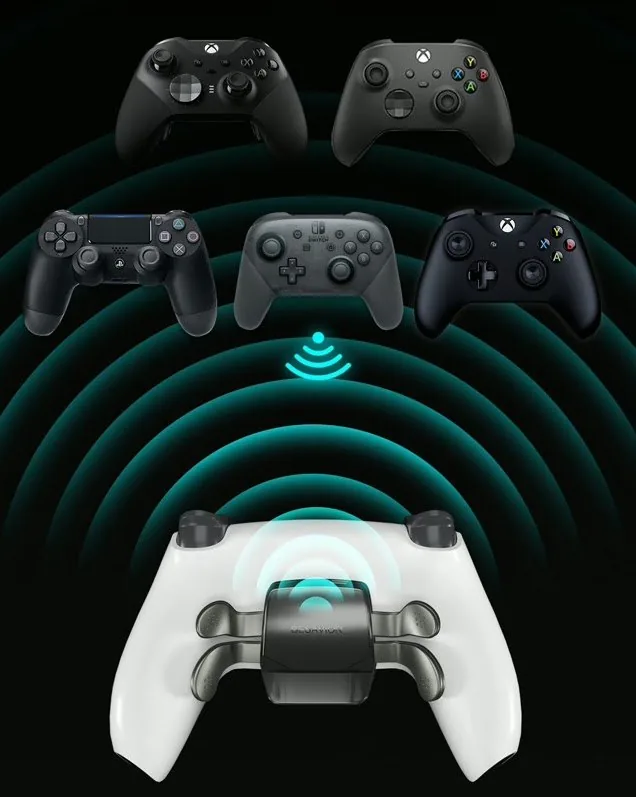
The extension port connects compatible controllers and peripherals to the Besavior for use with your PS5.
What you need to know before connecting a device +
Connect through the extension port with a suitable OTG cable, or use Bluetooth pairing on supported models. Compatibility depends on the device and firmware.
When another controller is connected, some Besavior controls become inactive. Vibration comes from the Besavior rather than the external controller. Contact us to check your specific setup before purchasing.
9 reviews for Besavior PS5 Pro Revolution paddle controller — Transform your game 🎮
Your next
controller, explained.
A detail about the functions or your configuration? Our team will accompany you in French.
Ask my question
AzzedineApx –
The best value for money. serious seller. All the functions on this controller are top.
Greg –
I hesitated between the one and the sony at 250 €. I don't regret my choice.
Gani –
Very good product
Raheem –
The notice is in English, but the seller said that he was making a notice in French.
mino216 –
J’en avais déja une, pour tout ceux qui veulent faire du sale sur call of avec le rapid fire, et quelques macros vous aller vous régaler 😀
psnjdaxsnimes –
OOOLLLLOOOOLLOOOOOOOOOOOOOOOO. Nothing else to say, INCREDIBLE!
Pascal –
Seen the tiktok ad she's really good
Bertrand –
agreement ++
Clémence –
Good but expensive